🎬 Mastering Multi-Character Prompts in Text-to-Image Generation
Hello everyone, in this article we’re going to explore how to properly write text-to-image prompts for generating two or more characters in a single frame. This is a common challenge for many creators, and if not handled correctly, it often leads to mixed attributes, unclear identities, or messy compositions. Let’s break it down step by step so you can create cleaner, more consistent multi-character results.A practical guide to keeping your characters from blending into chaosCreating a single character in a text-to-image prompt is already an art.Creating two or more characters in one frame? That’s where things turn into a delicate choreography.Without proper structure, models tend to:Merge characters into oneSwap attributes randomlyIgnore who’s doing whatThis guide will help you avoid that and consistently generate clean, well-defined multi-character scenes.🧠 The Core QuestionIs it enough to describe each character, or should we give them names?Short Answer:You should use both.Descriptions alone are not enough. Names alone are not enough.The strongest prompts combine:Unique identifiers (names/labels)Clear individual descriptionsSpatial positioningInteraction cuesThink of it like directing actors on a stage.Without names and direction, everyone improvises into confusion.🎭 Why Descriptions Alone Often FailExample:“Two girls, one with long hair, one with short hair”This often leads to:Mixed features (both characters end up with medium hair)Clothing confusionIdentity blendingTo the model, this still feels like one loosely defined concept, not two separate individuals.🏷️ Why Naming Characters HelpsGiving each character a name or label creates separate identity anchors.Example:Aiko → Character 1Mina → Character 2Now the model can track:Who has long hairWho is smilingWho is interactingIt’s like assigning roles in a script instead of saying “someone does something.”✨ Best Practices for Multi-Character Prompts1. Use Clear IdentifiersYou don’t have to use real names. Any consistent label works:Names: Aiko, MinaNeutral labels: Girl A, Girl BPositional labels: Left girl, Right girl👉 The key is consistency throughout the prompt2. Describe Each Character SeparatelyAvoid mixing descriptions in one sentence.✅ Good StructureAiko: long black hair with bangs, wearing a white dress, smiling gently
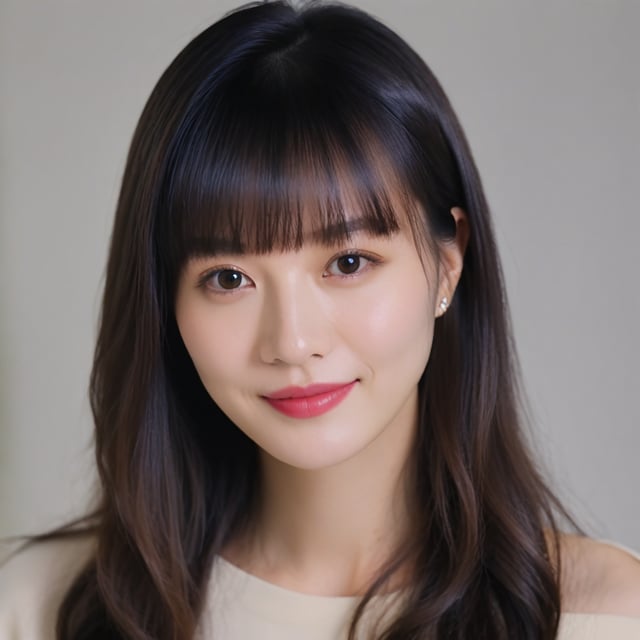
Mina: short brown bob hair with bangs, wearing a denim jacket, looking at Aiko❌ Problematic StructureTwo girls with long and short hair wearing dresses and jackets👉 Separation prevents attribute bleeding3. Define Spatial Positioning (Critical)Without positioning, characters may:Overlap unnaturallySwitch placesAppear disconnectedExamples:“Aiko on the left, Mina on the right”“Mina sitting, Aiko standing behind her”“Standing side by side”👉 This anchors characters in the scene like coordinates on a map.4. Add Interaction Between CharactersWithout interaction, characters feel like:“Two unrelated NPCs randomly spawned in the same frame”Add relational cues:“Looking at each other”“Holding hands”“Laughing together”“Aiko touching Mina’s shoulder”👉 Interaction reinforces who is who and creates narrative cohesion.🔥 Side-by-Side Comparison❌ Weak PromptTwo girls, one with long hair and one with short hair, smiling in a parkLikely issues:Mixed featuresNo clear identityFlat composition✅ Strong PromptAiko: a 20-year-old Japanese woman with long black hair and bangs, wearing a white summer dress, standing on the left
Mina: a 19-year-old Japanese woman with short brown bob hair and bangs, wearing a denim jacket and skirt, standing on the right, looking at Aiko
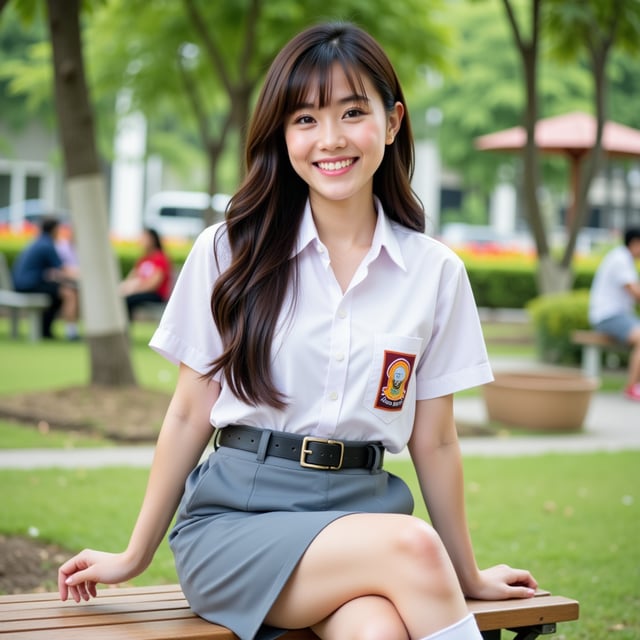
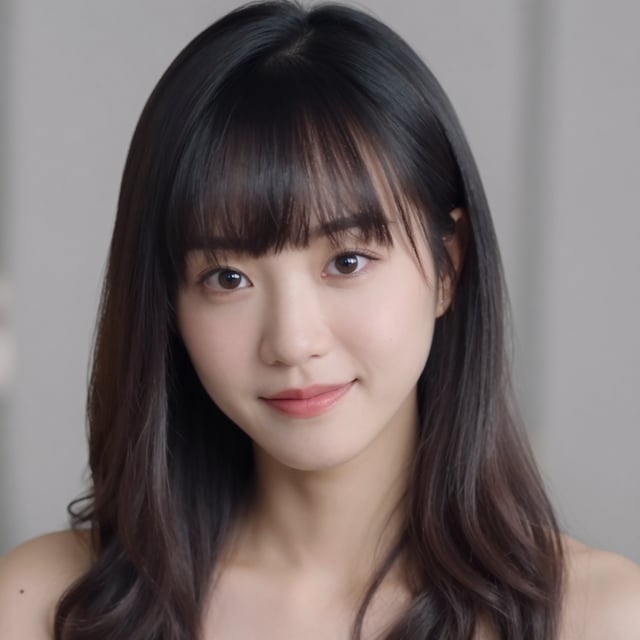
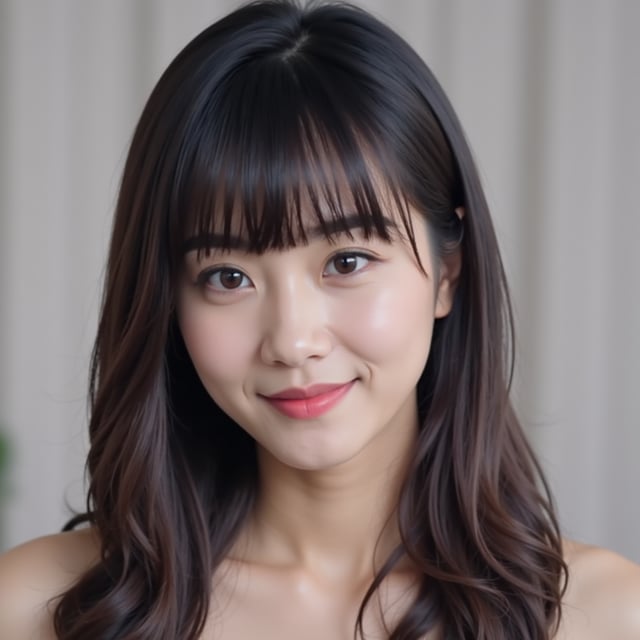
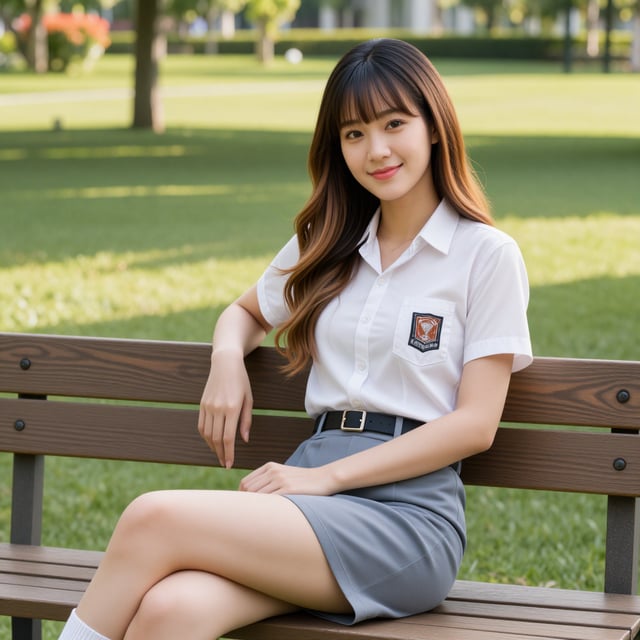
Both smiling, soft sunlight, park backgroundResult:Clear separationStable identitiesNatural composition🧩 Advanced Tips (For More Control)🔁 Reinforce Names During ActionsRepeat identifiers when describing actions:“Mina looks at Aiko while Aiko smiles back”This reduces confusion in complex scenes.✂️ Avoid Overly Long Blended SentencesLong sentences with multiple subjects increase ambiguity.Break them into structured segments instead.🧬 Keep Attributes LocalizedDon’t stack attributes across characters in one phrase.Bad:“Aiko and Mina wearing white and black dresses”Good:“Aiko wearing a white dress, Mina wearing a black dress”🎯 Use Consistent StructureA clean pattern improves model understanding:Recommended flow:Character A (full description)Character B (full description)PositioningInteractionEnvironment & lighting🧠 Mental Model: Treat It Like a ScriptThink of your prompt as:🎬 A casting sheet (who are the characters?)📍 A stage layout (where are they?)🎭 A direction note (what are they doing?)When you do this, the model stops guessing and starts following.👉 Best formula:Name + Description + Position + Interaction = Consistent ResultsIf you push this structure further, you can handle:3+ charactersComplex interactionsEven multiple versions of the same character in one frameAnd suddenly, your prompts stop feeling like chaos… and start feeling like direction. 🎬✨🎯 ConclusionIn multi-character prompt writing, relying on just descriptions is not enough, and using only names without clear details is also insufficient. The most reliable approach is to combine both, supported by clear positioning and interaction between characters.By assigning each character a distinct identity, describing them separately, defining where they are in the scene, and specifying how they interact, you give the model a structured “map” to follow. This greatly reduces confusion and prevents common issues like attribute mixing or character merging.In short, the key formula is simple but powerful:Name + Description + Position + Interaction = Consistent ResultsThank you for reading, and I hope this article helps you improve your prompt-writing skills and achieve more stable, high-quality results in your creations. Feel free to experiment with these techniques and adapt them to your own style. Happy creating, and see you in the next exploration! ✨👉 Example I made (Z-Image & Flux)best quality, ultra high res, photorealistic, realistic photography, documentary style realism, cinematic candid moment, Japanese high school classroom, warm afternoon sunlight through classroom windows, soft cinematic lighting, slice of life atmosphere, authentic youthful energy, dynamic group interaction, classroom blackboard, desks slightly moved aside, school bags and notebooks scattered naturally, four beautiful Japanese school girls standing together before a group photo session, overlapping body language, natural laughter, frozen candid motion, highly detailed facial expressions, realistic skin texture, subtle natural makeup
full body shot, eye-level camera angle, natural composition, Yui Tanaka, 18-year-old Japanese girl, beautiful elegant face, very long straight black hair, full bangs, slim hourglass figure, navy sailor school uniform, black knee socks, brown loafers, gently reaching out to fix Aoi’s crooked ribbon, body slightly leaning toward the group, soft laughing expression
Aoi Nakamura, 18-year-old Japanese girl, adorable shy facial expression, twin braids, soft straight bangs, curvy figure, classic sailor uniform, red ribbon tie, black shoes, embarrassed smile, lightly covering her mouth with one hand, shoulders turning away bashfully while laughing
Mika Sato, 18-year-old Japanese girl, sporty beauty face, short bob haircut, full bangs, energetic smile, proportional athletic figure, modern blazer-style school uniform, plaid skirt, white sneakers, dramatically leaning forward in a fake serious model pose, one hand on her hip, other hand pointing playfully toward imaginary camera
Rin Kobayashi, 19-year-old Japanese girl, stylish beautiful face, wavy medium-length dark brown ombre hair, side-parted full bangs, long sidelocks, hair over shoulder, confident expression, cream cardigan over school uniform, black tights, loafers, curvy figure, holding smartphone up like an unofficial photo director, laughing while giving playful pose instructions to Mika, other hand lightly touching Mika’s shoulder
natural interaction, friendship chemistry, realistic classroom environment, subtle motion blur feeling, candid pre-photo atmosphere, cinematic depth of field, realistic shadows, soft warm color grading, immersive storytelling, lifelike proportions, highly detailed eyes and facial features, modern Japanese school aesthetic👉 Result: