KREA 2 - Realistic Snapshot - VERSION1

KREA 2 - Realistic Snapshot

LORA
Original


Updated:

KREA 2 - Realistic Snapshot by MonkeyForever on Tensor.Art

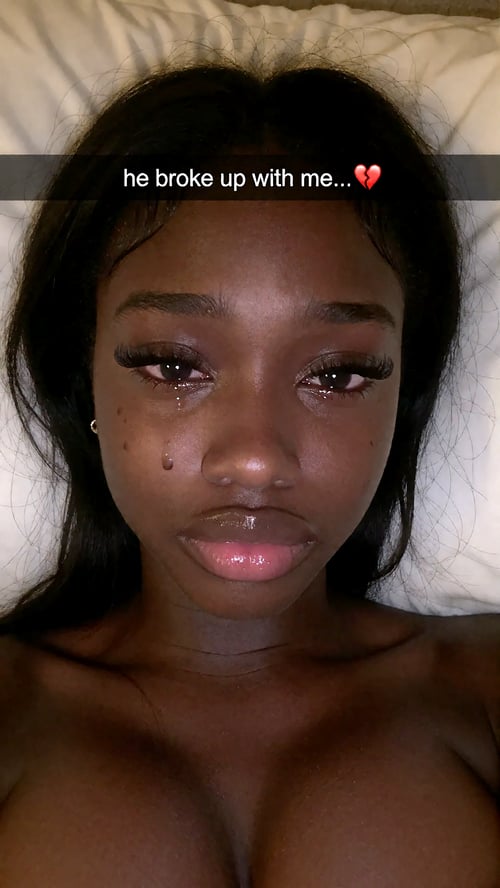
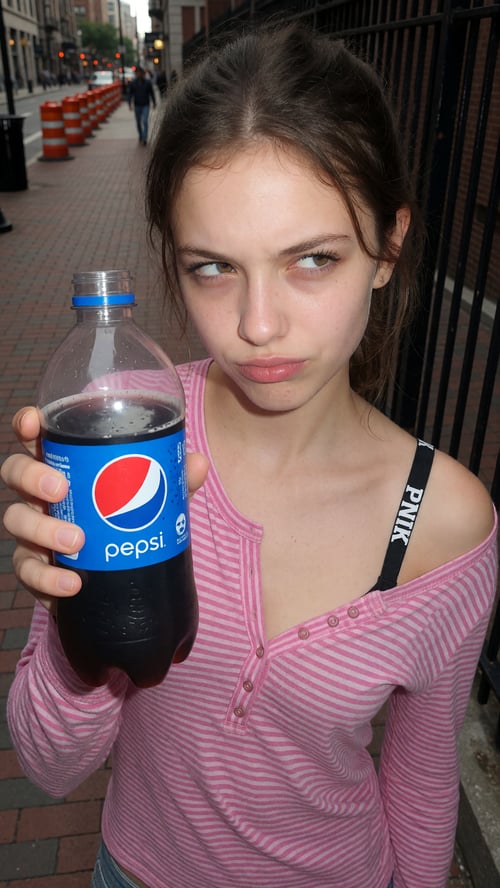
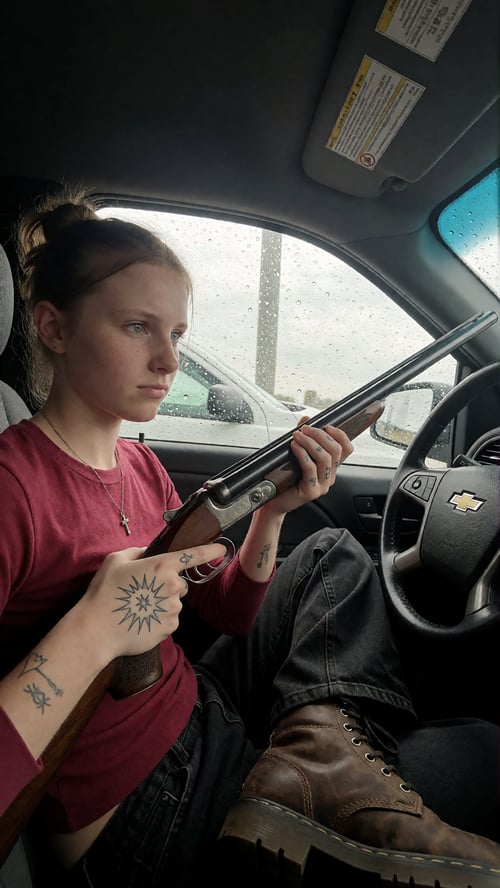
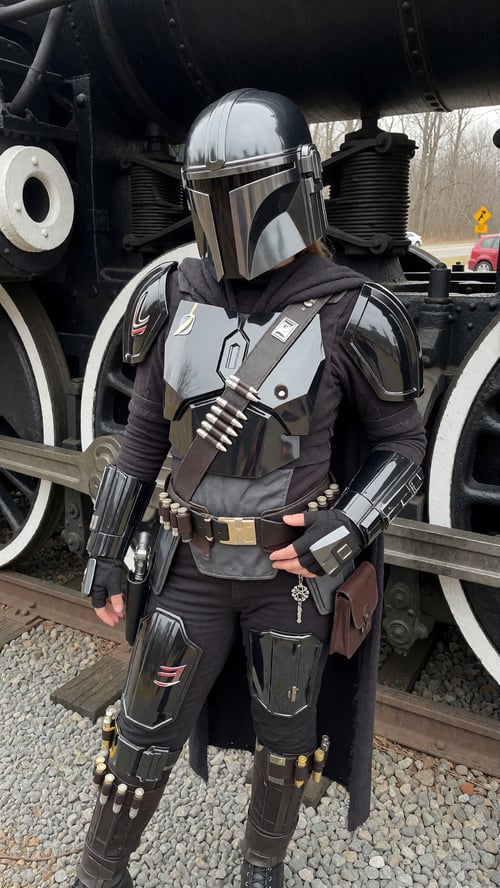
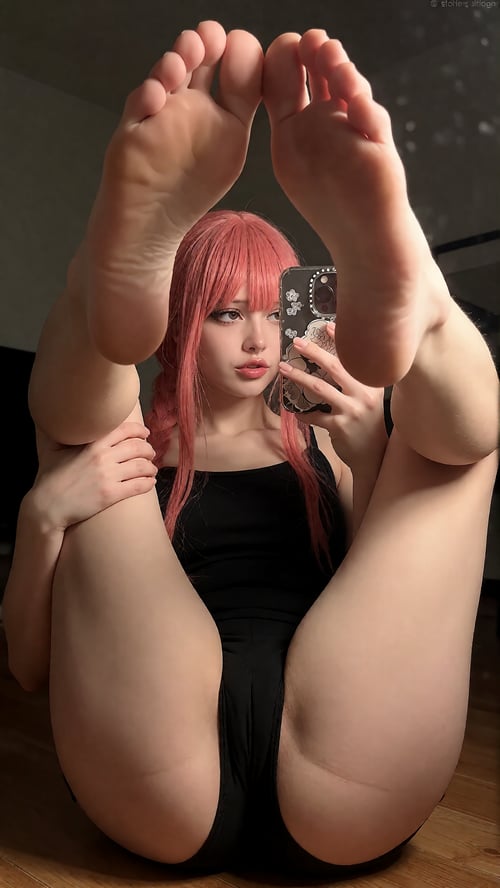
Eliminate the "plastic" AI look — now on Krea 2. This is the first ever port of the Realistic Snapshot series (100K+ downloads on Z-Image-Turbo) to a brand-new base model. It's engineered to inject raw, organic texture and lifelike lighting physics into your generations, mimicking the imperfections that make a photo feel real — from intricate skin details (visible pores, vellus hair) to the distinct characteristics of digital sensors (ISO grain, flash bloom).

✨ About this version (Experimental)

Retrained from the ground up on a 600-image dataset — double the size of the v5 Z-Image-Turbo set. The new data leans heavily on modern iPhone photography with a much larger NSFW spread, replacing the early-2000s amateur shots that weighed down the older datasets. The result is the same signature Realistic Snapshot style, just cleaner, more versatile, and better balanced.

How Krea 2 compares to Z-Image-Turbo:

  • Prompt adherence is significantly better — Krea 2 actually listens

  • Z-Image still edges it out on raw style and realism (for now)

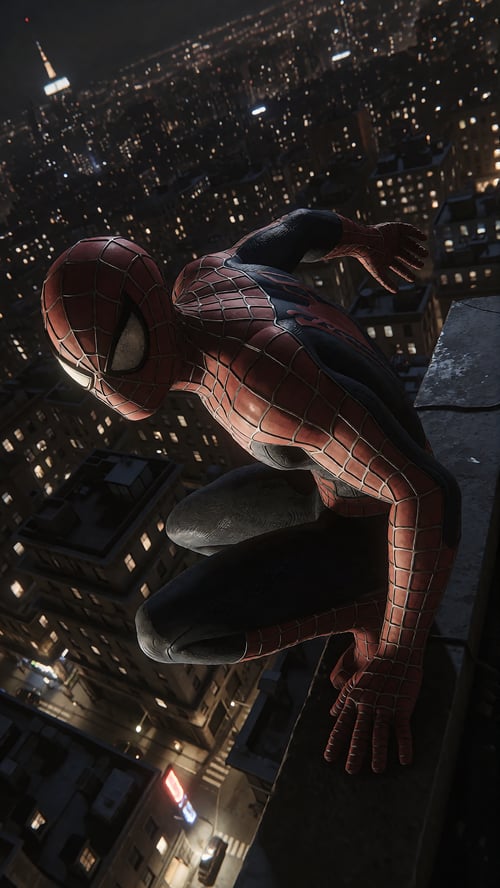
  • This version excels at enhancing and boosting detail in images — check the showcase

  • It behaves very differently: old prompts and workflows will not carry over

⚠️ Experimental status: Krea 2 is a brand-new model and the prompting conventions around it aren't established yet — results can range a lot between generations. I'm actively refining this and sharing settings as I lock them down. Feedback on what works and what doesn't is hugely appreciated (drop it in the comments or Discord).

💡 Usage Tips

  • Recommended Strength: 1.0 – 1.5, sometimes even 2.0 depending on the image. Krea 2 takes the LoRA very differently than Z-Image — don't be afraid to push past the usual range.

  • Prompting: Krea 2 uses dense natural-language captions, so describe the photographic qualities you want in full sentences rather than tag lists. Phrases worth working in: casual smartphone snapshot, candid, direct on-camera flash, high ISO noise, visible pores, detailed skin texture, wide-angle distortion, shallow depth of field.

  • Experiment. Seriously — the model rewards it, and I want to see what you find.

Version Detail

KREA_2
6000
Eliminate the "plastic" AI look — now on Krea 2. This is the first ever port of the Realistic Snapshot series (100K+ downloads on Z-Image-Turbo) to a brand-new base model. It's engineered to inject raw, organic texture and lifelike lighting physics into your generations, mimicking the imperfections that make a photo feel real — from intricate skin details (visible pores, vellus hair) to the distinct characteristics of digital sensors (ISO grain, flash bloom). ✨ About this version (Experimental) Retrained from the ground up on a 600-image dataset — double the size of the v5 Z-Image-Turbo set. The new data leans heavily on modern iPhone photography with a much larger NSFW spread, replacing the early-2000s amateur shots that weighed down the older datasets. The result is the same signature Realistic Snapshot style, just cleaner, more versatile, and better balanced. How Krea 2 compares to Z-Image-Turbo: Prompt adherence is significantly better — Krea 2 actually listens Z-Image still edges it out on raw style and realism (for now) This version excels at enhancing and boosting detail in images — check the showcase It behaves very differently: old prompts and workflows will not carry over ⚠️ Experimental status: Krea 2 is a brand-new model and the prompting conventions around it aren't established yet — results can range a lot between generations. I'm actively refining this and sharing settings as I lock them down. Feedback on what works and what doesn't is hugely appreciated (drop it in the comments or Discord). 💡 Usage Tips Recommended Strength: 1.0 – 1.5, sometimes even 2.0 depending on the image. Krea 2 takes the LoRA very differently than Z-Image — don't be afraid to push past the usual range. Prompting: Krea 2 uses dense natural-language captions, so describe the photographic qualities you want in full sentences rather than tag lists. Phrases worth working in: casual smartphone snapshot, candid, direct on-camera flash, high ISO noise, visible pores, detailed skin texture, wide-angle distortion, shallow depth of field. Experiment. Seriously — the model rewards it, and I want to see what you find.

Project Permissions

Reprinting is strictly prohibited

    Use Permissions

  • Use in TENSOR Online

  • As a online training base model on TENSOR

  • Use without crediting me

  • Share merges of this model

  • Use different permissions on merges

    Commercial Use

  • Sell generated contents

  • Use on generation services

  • Sell this model or merges

Related Posts