


LoRA Bento (Beta): A calmer way to prep datasets and train LoRAs in single app
After training LoRAs for a long time—characters, styles, tiny experiments that surprised me, and plenty that didn’t—I kept running into the same “not-hard-but-annoying” problems.
Not the GPU.
Not the optimizer.
Not even the hyperparameters.
The real pain was everything around training: organizing datasets, cleaning bad images, tracking augmentations, keeping captions consistent, and exporting something that actually works.
LoRA Bento is my attempt to make that whole pipeline visible, predictable, and local-first—so you can trust what you’re training before you press Train.
Beta note: this is a beta release, so expect some small, occasional bugs and rough edges.
Platform support: Windows = fully supported, Linux = not supported, macOS = supports data cleaning (import + review + delete/cleanup workflows).
What LoRA Bento helps you avoid
Training LoRA often looks like this:
Collect images from random folders
Rename or fix naming later
Realize duplicates are hurting results (too late)
Notice blurry/low-quality images after hours of training
Augment data… then overwrite something by accident
Resize & pad… then re-check again
Caption images… then wonder:
“Did I caption everything?”
“Did the augmented images get captions too?”
Export a dataset… and find out it doesn’t match what your trainer expects
Each step is manageable on its own, but together they create friction, mistakes, and “silent failures” you don’t catch until the end.
LoRA Bento exists to reduce that chaos.
* image in demo just data from model output
💗✨ What you get with LoRA Bento ✨💗
💾 A dataset structure you can trust
Everything is stored in a clear, predictable project layout, so you’re not guessing where files went—ever. Projects are local-first and easy to back up.
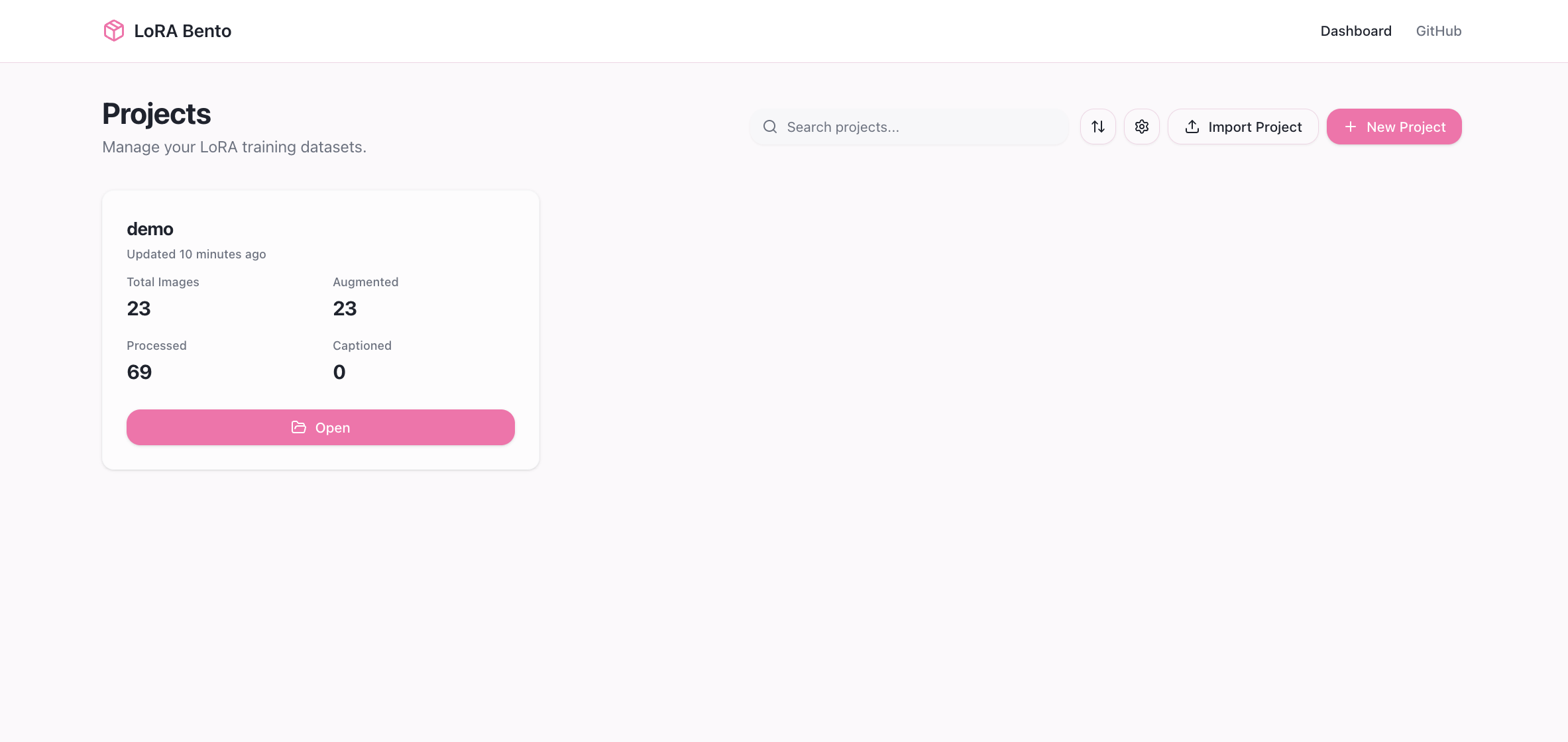
🧹 Clean data before it hurts training
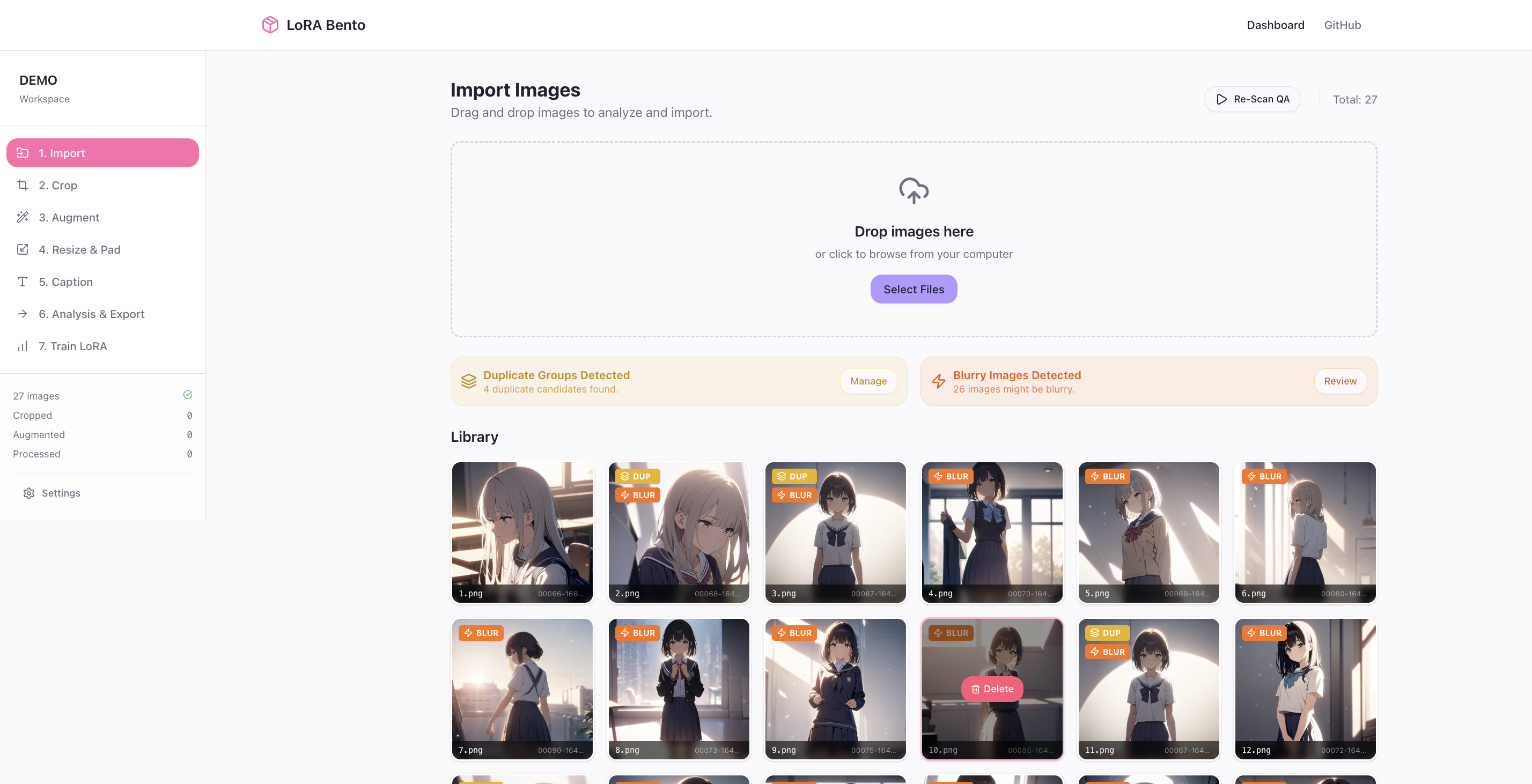
LoRA Bento detects duplicate / near-duplicate images and blurry images early, so you can remove them before they poison your dataset.


✂️ Crop (optional) to focus on the subject
Cropping is optional, but useful when you want the model to focus on the character/subject rather than background noise. Cropped versions are preferred downstream, helping keep the training signal more consistent.
Crop with a simple editor
Keep original images intact
Crops stay connected to the source image


AUTO CROP experimental


🔁 Safer augmentation without losing track
Augmentations are handled in a way that stays repeatable and trackable. You can re-run without the “what did I overwrite?” anxiety, and variants stay connected to the originals.

🖼️ Consistent training-ready images (with previews)
Resize & pad your dataset in a controlled way, with previews before committing the result—so your training folder ends up clean and consistent.

🏷️ Auto-tagging designed for LoRA workflows
Auto-tagging is built for LoRA caption files (comma-separated tags), with clear visibility into what the model will learn—and the ability to edit tags when needed.

📦 Export datasets that actually travel
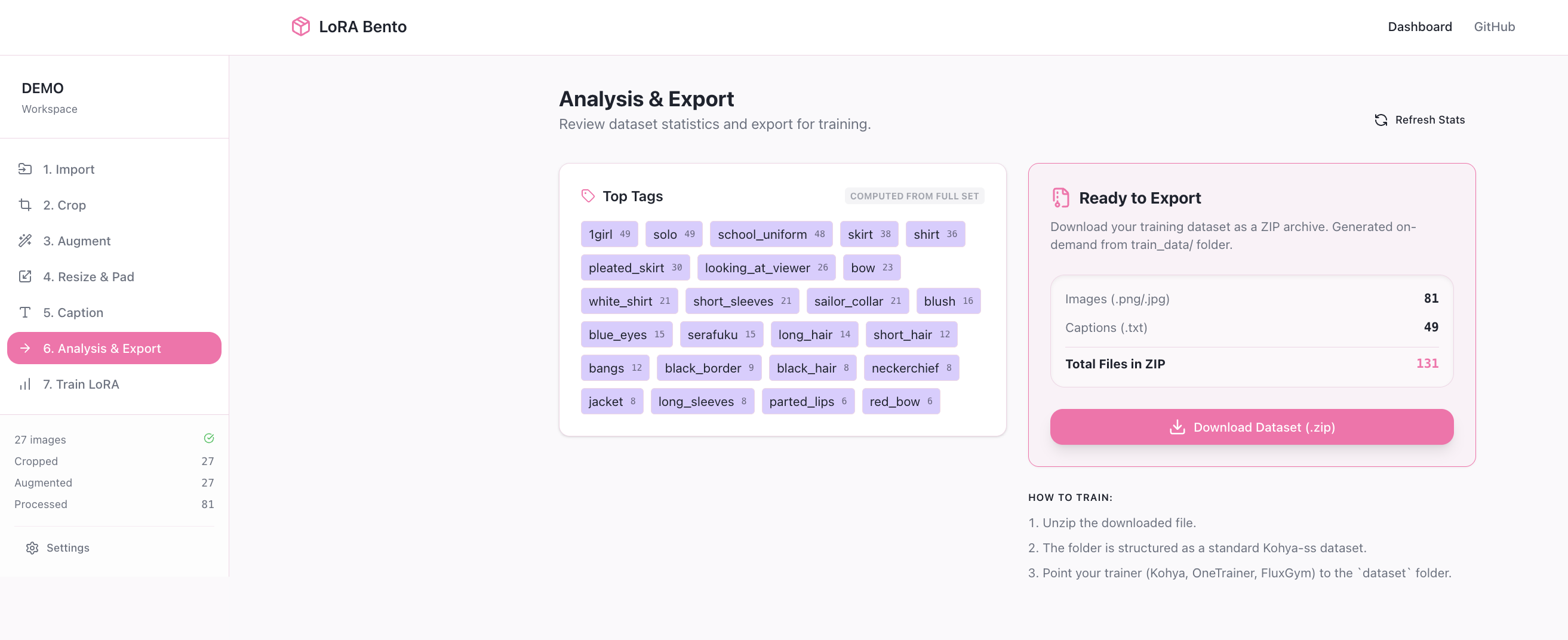
Export your prepared dataset as a single ZIP so you can move it between machines, trainers, or storage without breaking the structure.
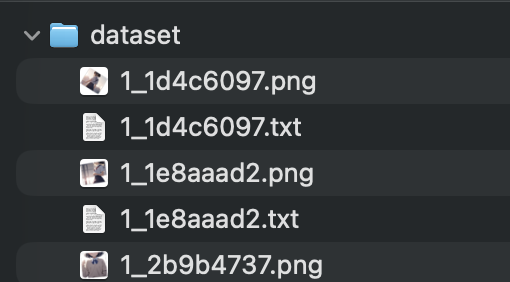
Ready to use with sd_script data stucture !
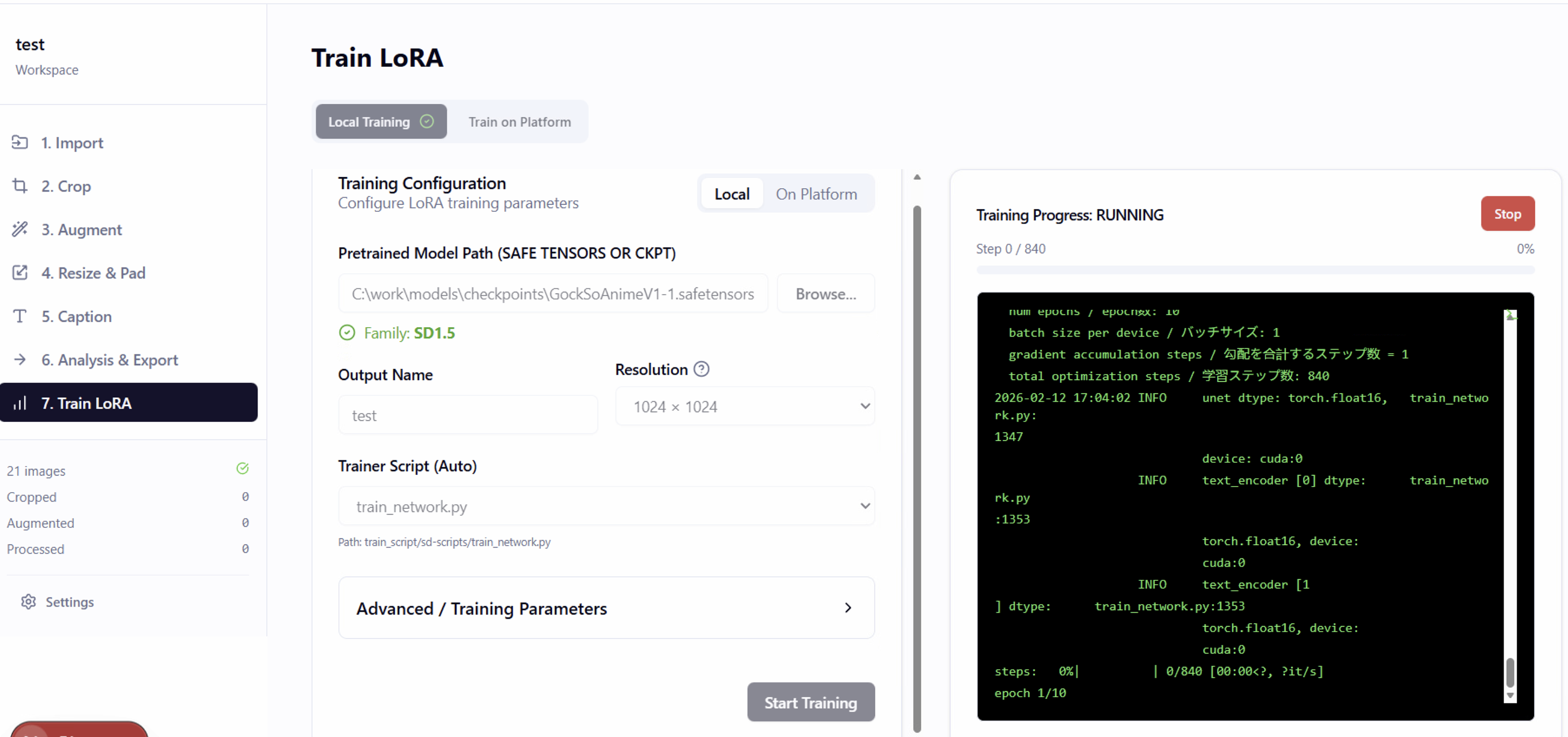
🚀 Train locally without “UI chaos”
available for window only (experiment stage)
LoRA Bento keeps the whole workflow in one place—from import to training—so you don’t need to juggle multiple apps and windows just to run a single experiment.

Beta release: what to expect
This is a beta, which means:
You may run into small UI bugs or edge cases
Some workflows may evolve quickly based on feedback
The goal is to get the core pipeline stable and comfortable to use
Platform support (Beta)
✅ Windows: full support (recommended)
❌ Linux: not supported
🟡 macOS: supports data cleaning workflows (import + review + delete/cleanup)
Where to download
Use the master branch releases. Current release: v1.0.2-fix-dependency.
https://github.com/GockSo/LoRA-Bento/releases/tag/v1.0.4-fix-feature-train-local
or use branch master
Terms of use
LoRA Bento is free to use while it’s being developed, but (for now) it’s not allowed for commercial use. This is a deliberate choice while the project is still stabilizing and community-driven.
Feedback welcome
If you’ve ever felt like LoRA training is “hard for the wrong reasons,” I’d love to hear what part of the pipeline causes you the most pain—so we can keep polishing the right things first.
If you got some bug or issure can open issure on github first
Comming soon feature
Fix some bug and hardly to use in UX
Mobile UI support : stay on bed find dataset , clean data and train on bed
Auth module : can forward port and control app anywhere security with auth module
Tooltip Guideline for beginer
Test generate image white LoRA
